Everything IT
EN
NederlandsEnglish
Menu

A good connection
where you
need it

Unreliable Wi-Fi, connections that drop or a network to set up? We help find the cause, choose suitable equipment and configure it properly.

See how we can help For your home, your workspace or a place with visitors
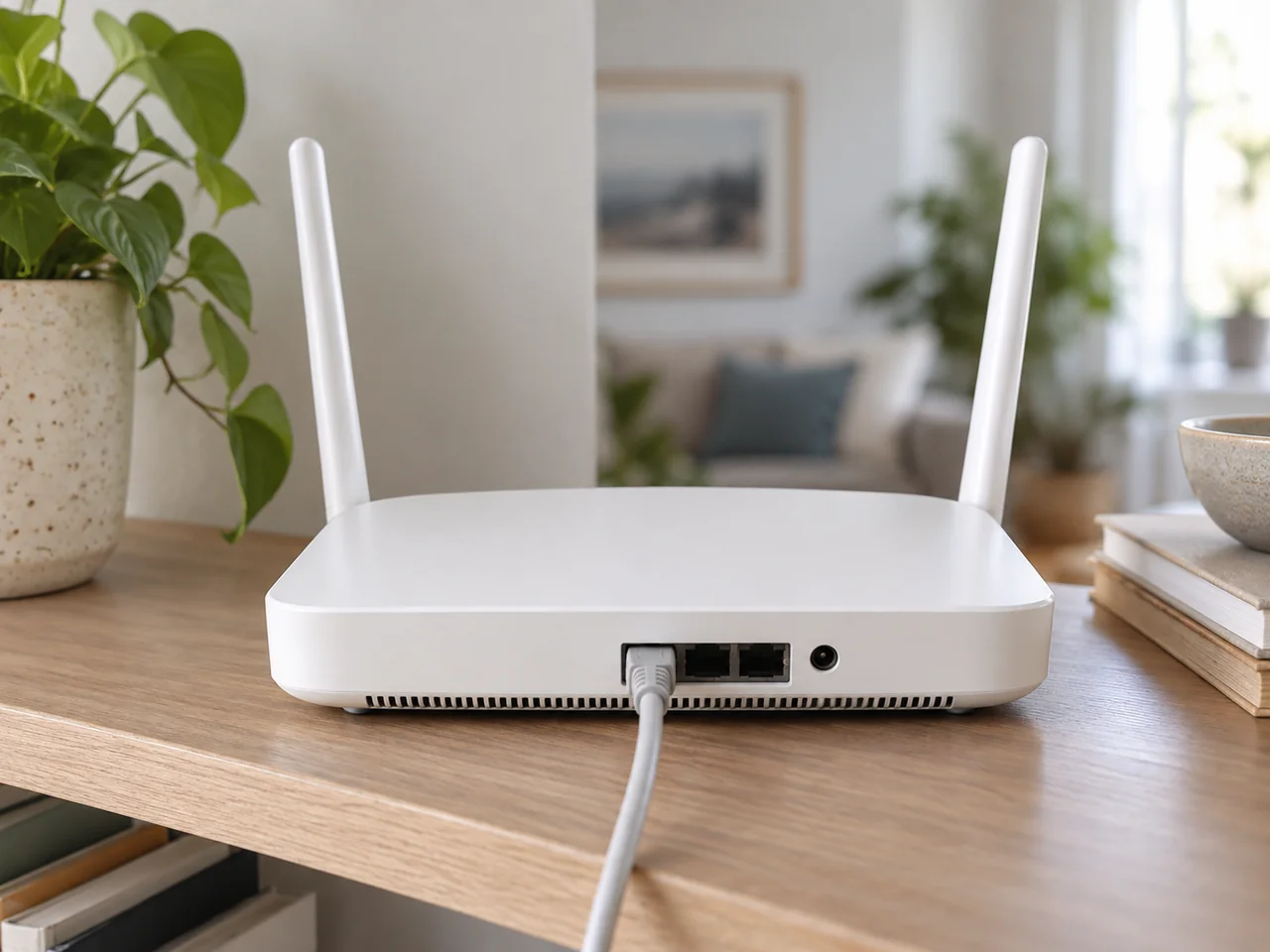
A Wi-Fi router with a network cable connected
From your internet connection
to the place you want to get online

What would you like to
improve about your connection?

A video call that keeps breaking up, visitors asking for Wi-Fi or a new room without a connection: we look at what you want to do and what is already in place. That helps identify which change will make a difference.

1 / Wi-Fi coverage and connection problems

A good connection
in the next room too

Everything works close to the router, but the signal drops at your desk. Or your devices show a Wi-Fi connection, yet no websites load. We investigate where the connection is failing and which improvements make sense.

  • Find out whether the problem is Wi-Fi coverage, a device or the internet connection
  • Check the placement and settings of your router or Wi-Fi access points
  • Extend your Wi-Fi where needed, for example with an extra access point or a suitable mesh system

We start with what you already have and check the connection where you use it. If the cause is with your internet provider, we help clarify what they need to investigate.

For example: good coverage in one room, less in another
Living area
Your router
Workspace
Wi-Fi drops
What makes the difference?

We compare the connection close to and further from your router and look at how your network is set up.

This is an example situation, not a coverage measurement. Moving equipment or adding an access point may help; the right choice depends on the space and your existing equipment.
2 / Choosing and setting up network equipment

The right devices,
properly connected

You are setting up a workspace, extending your network or have equipment that does not yet work well together. We help choose what you need and connect your devices through Wi-Fi or a network cable.

  • Set up a router or adjust existing settings
  • Choose and connect a switch for extra network ports or an access point for Wi-Fi
  • Connect computers, printers and other devices to your network and test the connection

We first check what equipment and connections are already available. If extra equipment or new cabling is needed, we agree in advance what will be supplied and who will carry out each part of the work.

How your devices could be connected
Internet
Your router

Connects your network to the internet

Over Wi-Fi

Your phone or laptop, for example

Over a cable

Your computer or printer, for example

Need more connections or coverage? A switch or an extra Wi-Fi access point can extend your network.

A simplified example. A modem, router and Wi-Fi access point may be combined in one device or be separate units.
3 / A separate guest network

Wi-Fi for your visitors,
your own devices kept separate

Guests at home, customers in your business or visitors staying at your property want to get online. We help set up a guest network, so you can offer internet access without giving access to your own computers, printers or shared files.

  • Set up a recognisable network name and access for visitors
  • Separate guest access from your own network, as far as the equipment supports it
  • Check what visitors can access and explain how to manage access

A second network name alone does not create that separation. We look at your equipment's capabilities and settings and test access from the guest network.

One internet connection, separate access
Internet for both networks
Your own network

Your computers, printer and files

Your own access
Your guest network

Your visitors' devices

Guest access
Keep your own devices separate

We configure the separation and check it from the visitors' network.

This diagram shows the intended setup. What is possible depends on the router, access points and settings.
4 / Internet at your location

An internet solution
that suits where you work

There is no fixed connection yet, the connection at your location is inadequate or you want an alternative in reserve. We help weigh up the options and connect the chosen solution to your network.

  • Compare a fixed connection, mobile internet over 4G or 5G and satellite internet such as Starlink for your situation
  • Choose a suitable router and decide where to place the equipment
  • Prepare a backup connection if you want to depend less on a single service

We consider availability, coverage, data usage and costs. Starlink also needs a clear view of the sky. Switching automatically to a backup connection requires suitable equipment and settings; we discuss that separately.

Which connection suits your location?
Fixed internet

Which connection is available, and does it meet your needs?

Mobile over 4G or 5G

What is reception like where the router will be placed?

Satellite, such as Starlink

Is there a suitable spot with a sufficiently clear view of the sky?

A second connection as a backup

We assess whether it makes sense and how you could switch to it.

The choice depends on your location and usage. We take equipment, subscriptions and any on-site work into account.

Review your situation,
make targeted improvements
and test together

We discuss where you need a connection, what you use it for and what equipment is available. Then we agree what to investigate or change, remotely or during a visit.

Clear agreements in advance

We decide what to tackle and agree the costs. We include extra equipment, subscriptions and any visit, so you know what you are choosing.

Set up and test where you use it

We make the agreed changes and test the connection with your devices. For Wi-Fi, we also check the places where you actually want to work or use the internet.

Know what to do next

You receive guidance on your network and the settings you can manage yourself. We agree how to keep your administrator access details and what further help may be needed.

More about working together

Good to know
before you start

Tell us where you use the connection and what goes wrong or what you want to extend. You do not need to know which equipment or solution is needed yet.

Is the problem my Wi-Fi or my internet connection?

That is not always immediately clear. Wi-Fi connects your device wirelessly to your local network. The internet connection connects that network to the outside world. You can therefore have a strong Wi-Fi signal and still have no internet.

We compare different devices and locations, for example, and a wired connection where possible. That helps establish whether a change to your own network will help or your internet provider needs to investigate.

Do I need to buy new equipment straight away?

No. We first review what you have and how it is connected and configured. Sometimes moving equipment or changing settings helps. In other situations, additional or replacement equipment makes sense.

We discuss a proposal before you buy anything and consider the devices you want to keep using. Equipment supplied by your internet provider sometimes limits the settings you can change yourself.

Can this be done remotely, or is a visit needed?

Advice and some settings can be handled remotely if the equipment is reachable and the necessary access is available. A visit is often more useful for assessing Wi-Fi coverage, moving equipment or connecting devices.

On-site support from Ninove, with travel costs agreed in advance.

If a change could temporarily interrupt the connection, we account for that in the planning.

Can you also install new cables or equipment?

We can connect, configure and place network equipment in a suitable location within the agreed work. We check whether the existing connections and cables can be used.

If new cable routes, drilling, permanent outdoor mounting or other installation work is needed, we first clarify what it involves and who can carry it out. That makes the scope of the work clear in advance.

Is 4G, 5G or Starlink suitable as an alternative or backup?

It can be, depending on the location, coverage and how you use it. For mobile internet, we consider reception and the subscription, among other things. For Starlink, placement and a clear view of the sky also matter. We weigh up the options against an available fixed connection.

A second connection can serve as a backup. Whether you switch manually or your router does it automatically depends on the equipment and setup. A backup connection does not eliminate every interruption.

What does help with my network or internet cost?

A short introductory conversation to understand your question and see whether we can help is without obligation. For investigation, advice or practical work, we agree a price or a rate and budget in advance.

For a new setup, we clarify the scope first. We include equipment, subscriptions and any visit in the agreement. You can also come to us with a small question without commissioning an entirely new network.

What would you like to improve about your network?

Tell us briefly what you need help with. You don't need a detailed plan or a technical explanation; we'll be happy to see how we can help.

Start with a no-obligation conversation. We agree the details before any paid work begins.

Your contact details and enquiry

This form uses reCAPTCHA to prevent spam.

Read how we handle your data in our privacy notice. Please don't include passwords or recovery codes.